Magi 2 AI Video Generator
Type a scene or drop in a photo. Magi 2 turns it into a 1080p clip with sound, right on this page.
Create a video
Describe the video: what moves, how the camera follows, the mood.
Preview
Your video appears here
Nothing here yet. Pick an example to fill in its prompt, or write your own on the left.
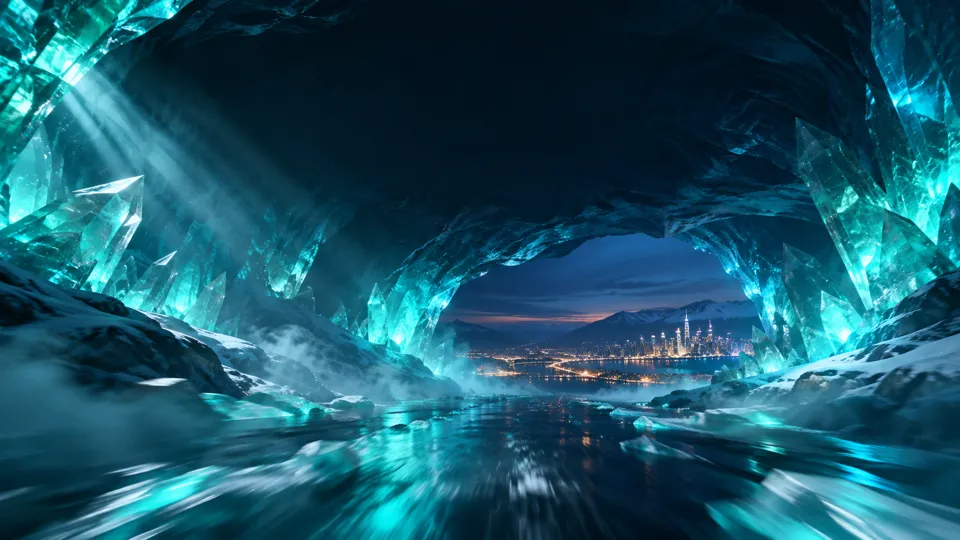
FPV drone shot flying fast and smoothly forward through the glowing cyan ice cave, crystals rushing past on both sides, mist swirling, the camera bursts out of the cave mouth and rises over the glittering night city. One continuous take, no cuts.
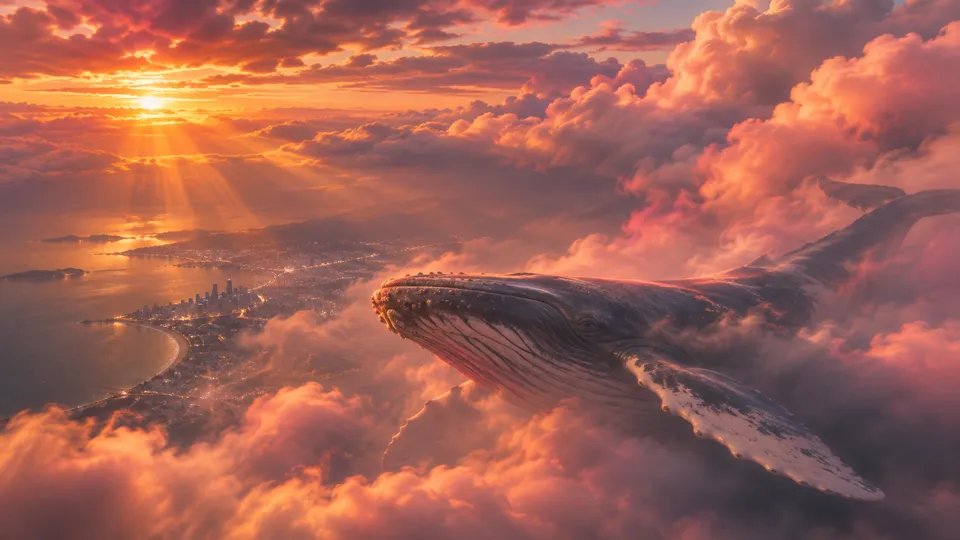
Slow aerial tracking shot: the giant whale glides gracefully through the sunset clouds, its long fins sweeping slowly, clouds parting around its body, the camera drifts alongside. Majestic and calm, one continuous take.
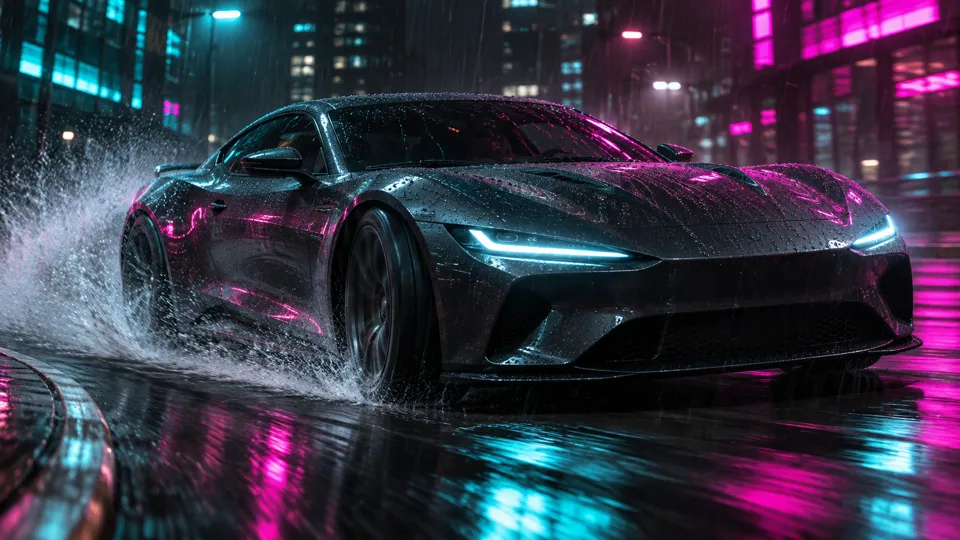
Low-angle tracking shot: the sports car drifts through the wet corner, rear wheels throwing a wide arc of water spray, neon reflections rippling on the asphalt, the camera pans to follow. Cinematic car commercial.
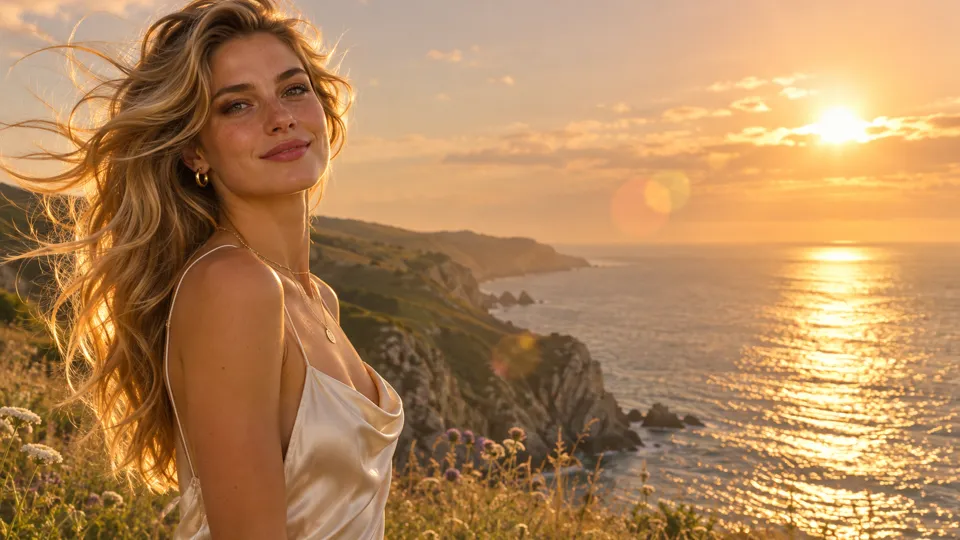
Slow push-in: her long hair and the satin dress flow in the warm sea breeze, she turns toward the camera and smiles softly, sun flares glint, the ocean sparkles. Fashion film, she does not speak.
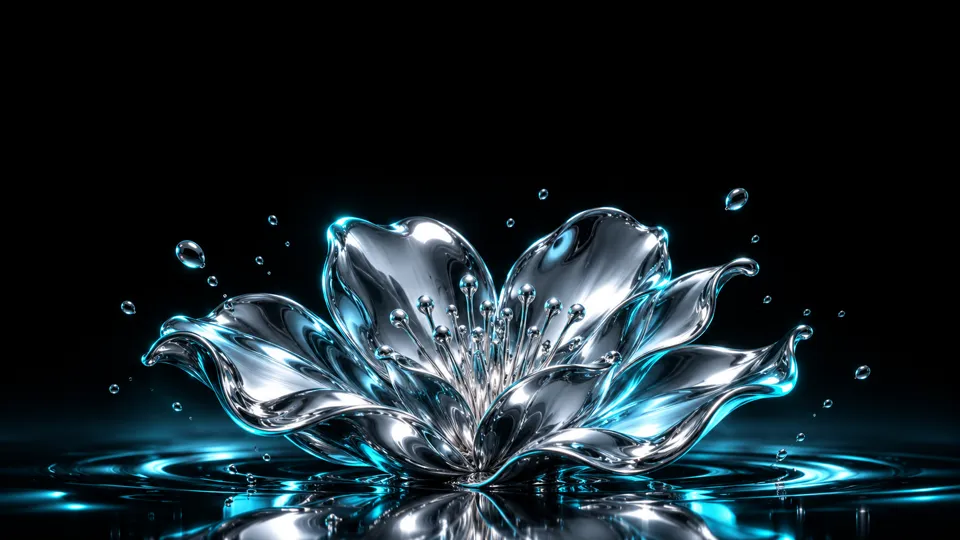
Macro slow motion: the liquid chrome flower blooms open, petals rippling like mercury, droplets rise and float, a cyan rim light glides across the metal, the camera slowly orbits. Luxury product commercial.
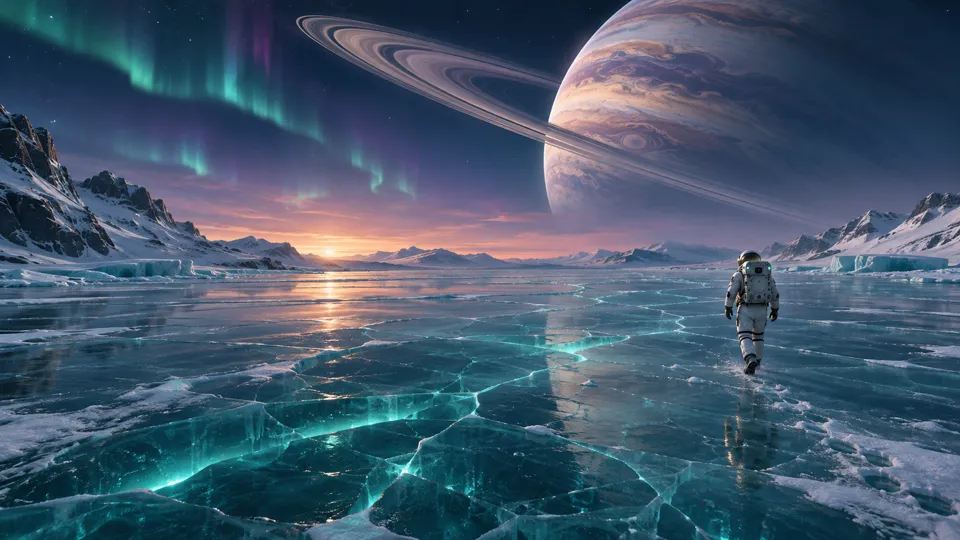
Wide slow dolly forward: the astronaut walks across the cracked turquoise ice toward the horizon, aurora ribbons ripple across the sky, the ringed planet looms, glowing cracks pulse beneath the ice.
What is Magi 2?
Magi 2 (MAGI-2) is the second generation of video models from Sand AI, launched on November 24, 2026. It is a unified audio-video model: one Transformer reads the text, the video and the audio as a single sequence, so speech, lip movement, body motion, ambient sound, music and camera rhythm are generated together instead of being stitched on afterwards. It makes up to 30 seconds of 1080p video at 25 frames per second.
The full model has about 480 billion parameters, with roughly 28 billion active per step. It followed MAGI-2 Preview, a smaller open release from August 2026 (114 billion parameters, Apache 2.0, about 10 second clips) that still needs eight Hopper-class GPUs to run. Sand AI has promised the full weights but not released them, so Magi 2 itself runs as a hosted service. This Magi 2 AI video generator uses the hosted Magi 2 API, with first and last frames, reference images, video and audio. Our Magi 2 vs Magi 2 Preview post compares the two.
- Made by
- Sand AI
- Released
- November 24, 2026 (MAGI-2 Preview: August 5, 2026)
- Architecture
- Unified audio-video model, ~480B total, ~28B active
- Output
- 1080p, 25 fps, with dialogue, lip sync and sound
- Weights
- Promised, not released (the 114B Preview is Apache 2.0)
- Clip length
- 5 to 30 seconds
- Aspect ratios
- 16:9, 9:16, 4:3, 3:4, 1:1, 21:9
- Modes
- Text, first/last frame, reference images, video and audio
- Price here
- From 80 credits a clip, reference videos free
How to Use Magi 2
The Magi 2 AI video generator takes four steps from idea to download. Nothing is generated until you press Generate, and the price is on the button.
- 01
Describe the shot
Write one scene: the subject, the action, the setting, the camera move and the sound. Put any spoken line in quotes.
- 02
Add a photo (optional)
Use a photo as the first frame, add an end frame, or switch to References and give Magi 2 several images to keep a face or product consistent.
- 03
Pick length and shape
Choose 5 to 30 seconds and a ratio (16:9, 9:16, 4:3, 3:4, 1:1, 21:9). The credit price updates as you change them.
- 04
Generate and download
Sign in with Google and press Generate. A render can take 20 minutes or more while demand for Magi 2 is high (our first 5 second clip took about 27), so feel free to close the tab: the clip keeps rendering and waits in Assets for download.
Magi 2 Key Features
What Sand AI built into the model, from its release notes, and what it costs to use here.
Picture and sound from one model
Text, video and audio share one token sequence in one Transformer, so voices, footsteps, music and ambience are timed to the action on screen. There is no separate audio model bolted on.
Dialogue, songs and on-screen text
Sand AI kept subtitles, on-screen text, dialogue and songs in the training data. Characters can speak or sing a line you write, and Sand AI reports samples where matching subtitle effects appear with it.
Complex motion and many people
Instead of filtering training videos down to simple, steady shots, Magi 2 learned from complex motion, multi-person interaction and shot transitions, the scenes smaller models tend to break.
The same character across shots
Trained with multi-shot footage, Magi 2 is more likely to keep a person recognisable when the camera cuts, which helps short scenes with more than one angle.
30 seconds of 1080p for a fraction of the price
A full 30 second 1080p clip with lip-synced dialogue and sound effects costs 480 credits here, less than 1/6 of what Seedance 2.5 costs per second at 1080p. Seedance 2.5 also stops at 15 seconds, where it costs 1604 credits against 240 for Magi 2.
Reference videos at no extra cost
Add up to 5 reference videos for motion or style and up to 5 audio clips for a voice or a beat. You pay only for the seconds Magi 2 generates, not for the seconds you upload, unlike models that bill reference footage on top.
What people make with Magi 2
Prompt ideas you can paste into the box above and change to fit your own scene.
Talking characters
Short scenes where someone says one line to camera, with real lip sync and room sound.
A street vendor in a night market leans toward the camera and says "Best noodles in town, trust me", sizzling wok, neon reflections
Product ads
Animate a product photo with a lighting change and a slow camera move, ending on a clean frame for your logo.
Spotlight turns on above a matte black perfume bottle, slow orbit, soft glass highlights, low ambient hum, clean final frame
Social clips
Vertical 9:16 moments for Reels, Shorts and TikTok, with sound already in the file.
Vertical shot, a golden retriever runs through autumn leaves toward the camera, leaves crunching, happy barking, slow motion at the end
Story beats and storyboards
Try different staging for the same moment, wide or close, before you plan a longer sequence.
Wide shot, a lone astronaut walks across a red desert at dusk, wind and distant thunder, camera slowly cranes up
Tips for better Magi 2 prompts
Magi 2 was trained on long, structured captions, so a detailed prompt uses it better than a few keywords. Describe the clip the way those captions do:
- The subject and the scene: who is there, what they look like, where they are.
- The action and any interaction between people, in the order it happens.
- The shots: framing, camera movement, and any cut to a new angle.
- The sound: an exact line or lyric in quotes, plus ambience and music.
- On-screen text or subtitles, if you want them.
- With a first-frame photo, describe what changes from that frame rather than what is already in it.
Pricing for Magi 2 videos
Credits come from a plan or a one-time pack, and a failed render refunds itself. See pricing
FAQ
What is Magi 2?
Magi 2 is an AI video model from Sand AI, launched on November 24, 2026. It makes up to 30 seconds of 1080p video with dialogue, lip sync and sound effects in one pass, from a text prompt, a photo or reference clips. It has about 480B parameters and follows the smaller open MAGI-2 Preview from August 2026.
Is Magi 2 open source?
Not yet. Sand AI has promised the full Magi 2 weights and a technical report without a date. The earlier MAGI-2 Preview is open: its weights are on Hugging Face and its code on GitHub under Apache 2.0. See Magi 2 vs Magi 2 Preview.
Is Magi 2 free?
Only the smaller Preview is free to download, and it needs your own GPU cluster. Generating Magi 2 videos on this site uses credits: 80 credits for a 5 second clip, 160 for 10 seconds and 480 for 30 seconds. The price is shown before you generate and a failed render refunds its credits. See pricing.
How do I use Magi 2 online?
Open this page, write a prompt or add a photo, pick the length and aspect ratio, and press Generate. You sign in with Google, and the 1080p clip is saved to your Assets for download. Renders can take 20 minutes or more while demand is high, and they finish even if you close the tab.
Is there a Magi 2 app?
Sand AI runs its own web app for its models, and several video platforms offer Magi 2 too. This site is an independent web app that runs Magi 2 in your browser on desktop or phone, with nothing to install and one credit balance for every clip.
Can Magi 2 turn an image into a video?
Yes. Image to video is one of its built-in modes: add a photo as the first frame and describe what should happen. Here you can also add a last frame, or use up to several images as references to keep a person or product consistent.
Does Magi 2 generate audio?
Yes. Text, video and audio share one sequence in the same model, so dialogue, songs, sound effects and ambience are generated with the picture and timed to it. Put any spoken line or lyric in quotes in your prompt.
How long can a Magi 2 video be?
Up to 30 seconds. Here you can pick 5 to 30 seconds in steps of 5. The open MAGI-2 Preview makes about 10 second clips only.
What resolution does Magi 2 output?
1080p at 25 frames per second, with no lower resolution to choose. Our test clips came out at 1920 by 1080 with a stereo sound track.
Magi 2 vs Seedance 2.5: what is the difference?
Magi 2 makes 1080p clips of up to 30 seconds with sound and costs less than 1/6 of what Seedance 2.5 costs per second at 1080p; reference videos are free. Seedance 2.5 from ByteDance offers 480p, 720p, 1080p and clips of up to 15 seconds, and its reference videos are billed by the second. Both are in the model menu, so you can run the same prompt on each and compare.
Is there a Magi 2 API?
Hosted API providers serve MAGI-2 for text to video, first and last frames, and reference images, video and audio, billed per output second. On this site you do not need an API key: the generator calls it for you and charges credits.
What GPU do I need to run Magi 2 locally?
You cannot run the full Magi 2 yet, because its weights are not out. The open MAGI-2 Preview needs about 307 GB of checkpoints and eight NVIDIA Hopper GPUs in Sand AI's setup, which is why most people use a hosted service like this one.
Make your first Magi 2 video
Write the scene, add a photo if you like, and see the price before you generate.
Start generating